iPhone connected to an external drive beside a laptop for a photo export

IPHONE TO EXTERNAL DRIVE

iPhone photos stuck on the phone?

Export a sample of photos and videos to an external drive, then verify file count, dates, readability, and Live Photos before deleting anything.

  • Source photos remain untouched
  • Counts, dates, and file types checked
  • A sample opens on a second device

THE THREE FAILURES WE SEE

What is going wrong?

01

The copy stops partway

The progress bar freezes, the iPhone disconnects, or the drive ejects before the export reports completion.

02

Live Photos arrive as stills

The still image is present but the paired motion clip is missing, so the photo no longer behaves like a Live Photo.

03

Dates or folders look wrong

Files land in an unexpected folder, dates change, or the destination count does not match the iPhone selection.

HOW WE TEST
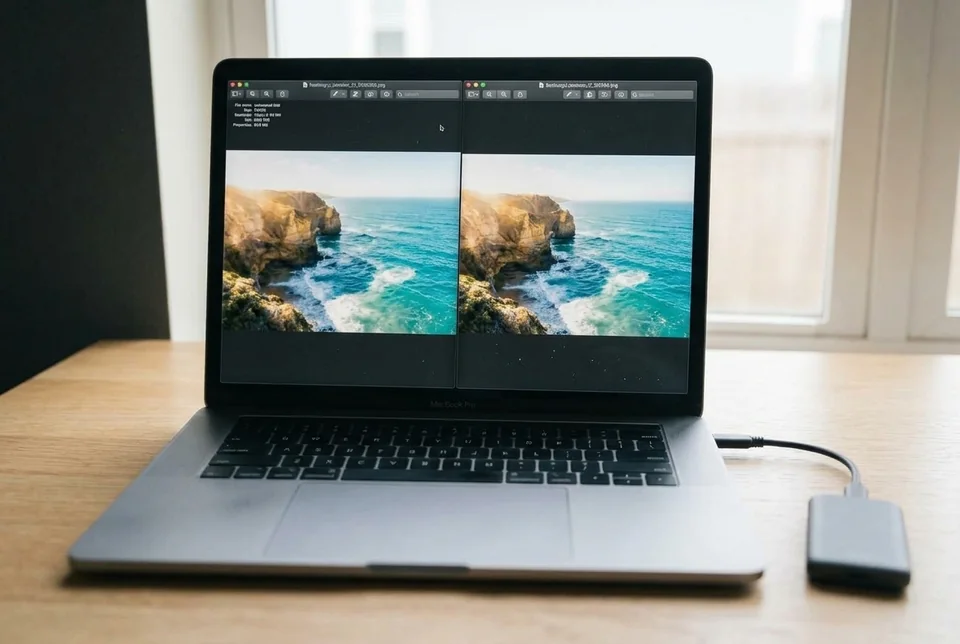
Find the failing layer, then prove the fix.

  1. Export a small, named sample. Choose 20–30 items including at least one video and one Live Photo. Export to a new folder rather than merging into an existing library.
  2. Compare counts and types. Count stills, videos, and Live Photo pairs on both sides. A Live Photo should produce the still and its paired motion asset, not just one file.
  3. Open files from the drive. Disconnect the iPhone, reconnect the drive, and open several files from Finder or Explorer. Check dates, orientation, audio, and motion.
  4. Keep the source until verified. Do not delete from iPhone or iCloud until the sample and a second random sample both pass. Record the export folder and any exceptions.
A laptop showing an iPhone photo export folder and file count
The handover test is a readable sample, a matching count, and intact Live Photos.

SERVICE SCOPE

What is included

Included

  • One iPhone and one external drive
  • A sample export with a repeatable method
  • Count, date, type, and readability checks
  • A handover list of any exceptions

Not included

  • Buying or repairing drives
  • Recovering already-deleted photos
  • Guaranteeing every iCloud asset
  • Managing a long-term photo library

The session covers one agreed device and one verified path. Anything outside the written scope is quoted separately before work starts.

FAQ

Before you book

Will you delete photos from my iPhone?

No. The source stays in place until you verify the destination and choose to remove it yourself.

Why do Live Photos split into two files?

A Live Photo is a still plus a paired motion asset. Some export methods copy only the still; we check for both.

Can you recover an interrupted export?

We can identify what is missing and repeat a controlled export. Recovery of files that were already deleted is outside scope.

NEXT STEP

Tell us what is happening.

Send the device, software, exact symptom, and what you have already tried. We will confirm scope and a fixed quote before booking.

No passwords. A real reply comes from hello@handytasklab.com.

FROM THE BLOG

iPhone Photo Export Help Guides

All guides